How to Choose the Best Instagram Automation Tool for Small Businesses
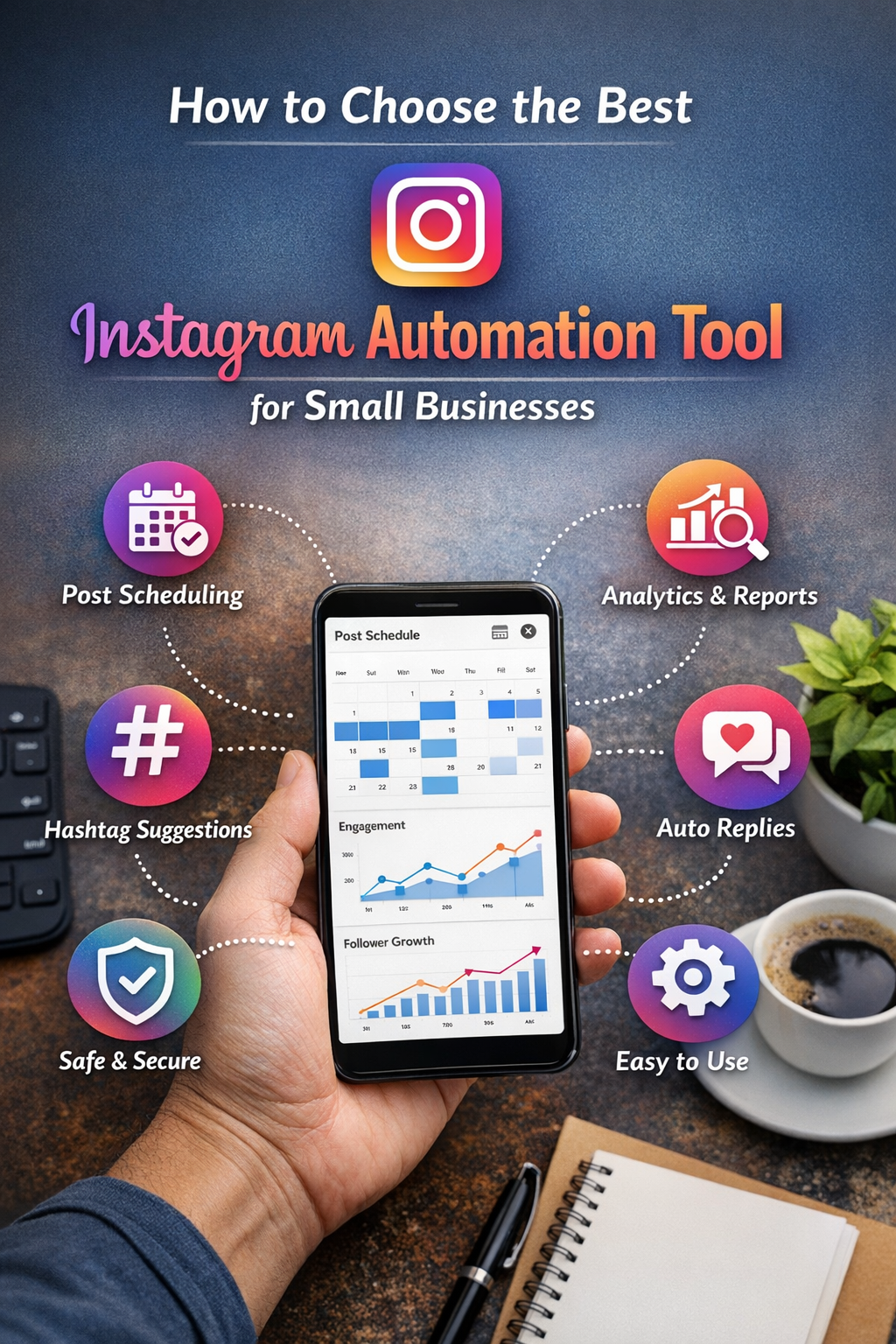
In today’s digital marketplace, Instagram has evolved from a social networking app into one of the most powerful marketing platforms for small businesses. With over a billion active users and unmatched engagement rates, it’s a place where brands can build awareness, attract customers, and drive conversions. However, managing an effective Instagram presence takes time, strategy, and consistent execution — things that small business owners often struggle to balance amid daily operations.
This is where Instagram automation tools come in. These tools help streamline workflows, schedule posts, analyze performance, and sometimes even assist with engagement. But with so many automation tools available, choosing the right one can feel overwhelming. The wrong tool can waste your budget, harm your reputation, or even violate Instagram’s policies, leading to account restrictions.
So, how do you choose the best Instagram automation tool for your small business? This comprehensive guide breaks down the key factors, comparisons, and questions you should consider — all in simple, actionable terms.
1. Understand What Instagram Automation Can and Cannot Do
Before evaluating tools, it’s vital to understand the boundaries of automation:
Useful Automation Tasks
- Scheduling Posts — planning and queuing content in advance.
- Content Calendars — visual planning of posts to maintain consistency.
- Hashtag Suggestions — recommending relevant hashtags based on your niche.
- Analytics & Reporting — metrics on reach, engagement, and follower growth.
- Reply Templates — quick responses for common DMs and comments.
- CRM Integration — connecting messages with customer profiles.
Tasks to Avoid Automating
- Auto‑liking / Auto‑commenting — generic automated interactions can feel spammy or violate platform rules.
- Auto‑following / Unfollowing — risky and not recommended by Instagram policies.
- Automated DMs for engagement — easily sounds robotic and can damage brand perception.
Key Point: Choose tools focused on legitimate assistance (scheduling, analytics, workflow) instead of risky auto‑engagement that mimics human interaction.
2. Match Your Business Needs and Goals
The best automation tool isn’t the most expensive or feature‑packed — it’s the one aligned with your specific needs.
Start by asking:
What’s Your Priority?
- Consistent posting – You need reliable scheduling.
- Better engagement tracking – You want reports and analytics.
- Team coordination – Multiple users need access.
- Customer interaction management – DMs or comment replies.
Example Scenarios
- New Small Shop: Needs simple scheduling and analytics.
- Growing Brand: Needs reporting plus team collaboration features.
- Service Provider: Needs tools to manage DM inquiries and customer follow‑ups.
Write down your business requirements — this will help you rule out tools that are too simplistic or unnecessarily complex.
3. Compatibility with Instagram Features
Not all automation tools support the same Instagram functionalities, especially as the platform evolves.
Must‑Have Feature Support
- IG Feed Posts
- Reels Scheduling
- Stories Scheduling
- Analytics Dashboard
- Comment Management
- Hashtag Groups
- Linking to Business Profile & Creator Studio
Nice‑to‑Have Features
- AI caption generator
- Image editing tools
- User‑generated content (UGC) suggestions
- Competitor tracking
- CRM integration
- Collaboration workflows
Note: Some tools only support feed posts and neglect Reels or Stories — critical formats for engagement today. So check the type of content each tool can automate.
4. Compliance with Instagram’s Terms of Service
This is crucial: Instagram has strict rules to protect users from spam and artificial behavior. Using tools that violate these rules can result in:
- Shadowbans
- Temporary restrictions
- Permanent account suspension
Safe automation adheres to Instagram’s API (Application Programming Interface). Tools working through official API access are less likely to break rules.
Red flags to avoid:
- Tools that promise auto‑likes, auto‑follows, or auto‑comments.
- Services that require Instagram password input outside official login flows.
Tip: Always opt for tools that explicitly state they use Instagram’s official API.
5. Ease of Use and Onboarding
Small business owners rarely have time for steep learning curves. The best tool should be:
- Intuitive Interface
- Clear setup process
- Helpful tutorials and guides
- Responsive customer support
Ask yourself:
- Can I train my team on this quickly?
- Does it integrate with tools I already use (Google Drive, Slack, CRM)?
- Is support available in my language or timezone?
Tools with deep features but complicated interfaces are often less effective in small business environments.
6. Analytics and Reporting
You can’t improve what you don’t measure. Analytics not only show you what worked, but help you plan better posts.
Important metrics include:
- Impressions & Reach
- Follower Growth
- Top Performing Posts
- Engagement Rate
- Best Posting Times
- Hashtag Performance
Advanced tools also let you:
- Export reports (PDF, CSV)
- Compare performance over time
- Benchmark against competitors
Analytics can directly influence your content strategy, so don’t underestimate this feature.
7. Pricing and Value for Money
Small businesses must be budget‑conscious. Automation tools often offer tiered pricing — from basic free plans to expensive enterprise packages.
When evaluating pricing:
- Compare features per price level
- Watch out for hidden fees (e.g., extra for multi‑accounts)
- Consider per‑seat pricing if your team is large
- Check for free trials or demo accounts
Rule of Thumb: The best tool is not the cheapest, but the one that provides the right features at a reasonable cost.
8. Security and Data Privacy
You’re entrusting a third‑party tool with access to your Instagram account — so security matters.
Good practices to look for:
- OAuth login (no password storage)
- Two‑factor authentication support
- GDPR compliance
- Clear data retention policies
If a tool has questionable security policies or unclear terms, don’t risk your business account.
9. User Reviews and Reputation
User feedback is one of the most reliable indicators of a tool’s real‑world performance. Before you choose:
- Read reviews on independent sites (G2, Capterra, TrustRadius)
- Look for reviews from businesses similar to yours
- Scan for long‑term user opinions — not just promotional testimonials
Watch for:
- Reports of downtime
- Poor customer support
- Broken features after Instagram updates
Negative patterns can save you from committing to a bad service.
10. Scalability and Growth Potential
Think long‑term. An automation tool should grow with your business.
Ask:
- Can I add more accounts or users later?
- Will analytics advance as my audience grows?
- Does the tool support cross‑platform posting (e.g., Facebook, TikTok)?
Choosing a tool that fits only current needs might force a disruptive switch later. Opt for flexible tools designed for evolving businesses.
11. Customer Support and Resources
Support availability is often overlooked, yet it’s one of the most valuable aspects — especially when your account is critical for business.
Great support features include:
- Live chat
- Email or ticketing support
- Video tutorials
- Help center / knowledge base
- Onboarding webinars
Ideally, support should be:
- Responsive
- Helpful
- Available in your preferred language
If you run into a posting failure or scheduling bug, strong support can make all the difference.
12. Trial, Testing, and Final Decision Process
Once you’ve narrowed down a short list:
- Sign up for free trials — most tools allow 7–30 days.
- Test scheduling — set posts, Reels, and Stories.
- Evaluate analytics — check for meaningful insights.
- Assess usability — is it easy to navigate?
- Test support responsiveness
After testing, score each tool based on:
- Feature fit
- Ease of use
- Performance
- Price
- Customer support
This scoring helps you compare tools objectively instead of emotionally.
Conclusion
Choosing the best Instagram automation tool for your small business isn’t about going with the most popular brand or the cheapest option. It’s about:
✔ Understanding what your business needs
✔ Staying within Instagram’s official guidelines
✔ Prioritizing usability, analytics, and scalable features
✔ Protecting your account’s security and reputation
By taking a structured approach — defining your goals, evaluating tool capabilities, testing through a trial, and comparing key criteria — you’ll be able to make an informed decision that enhances your social presence without risk.
With the right automation partner, you’ll free up time to focus on what matters most: building meaningful connections with your audience and growing your brand.